AI Drama Studio for Character Consistency.
The all-in-one studio where your AI actors never change face. From storyboard to final export.
150 free credits · No credit card · Open Beta
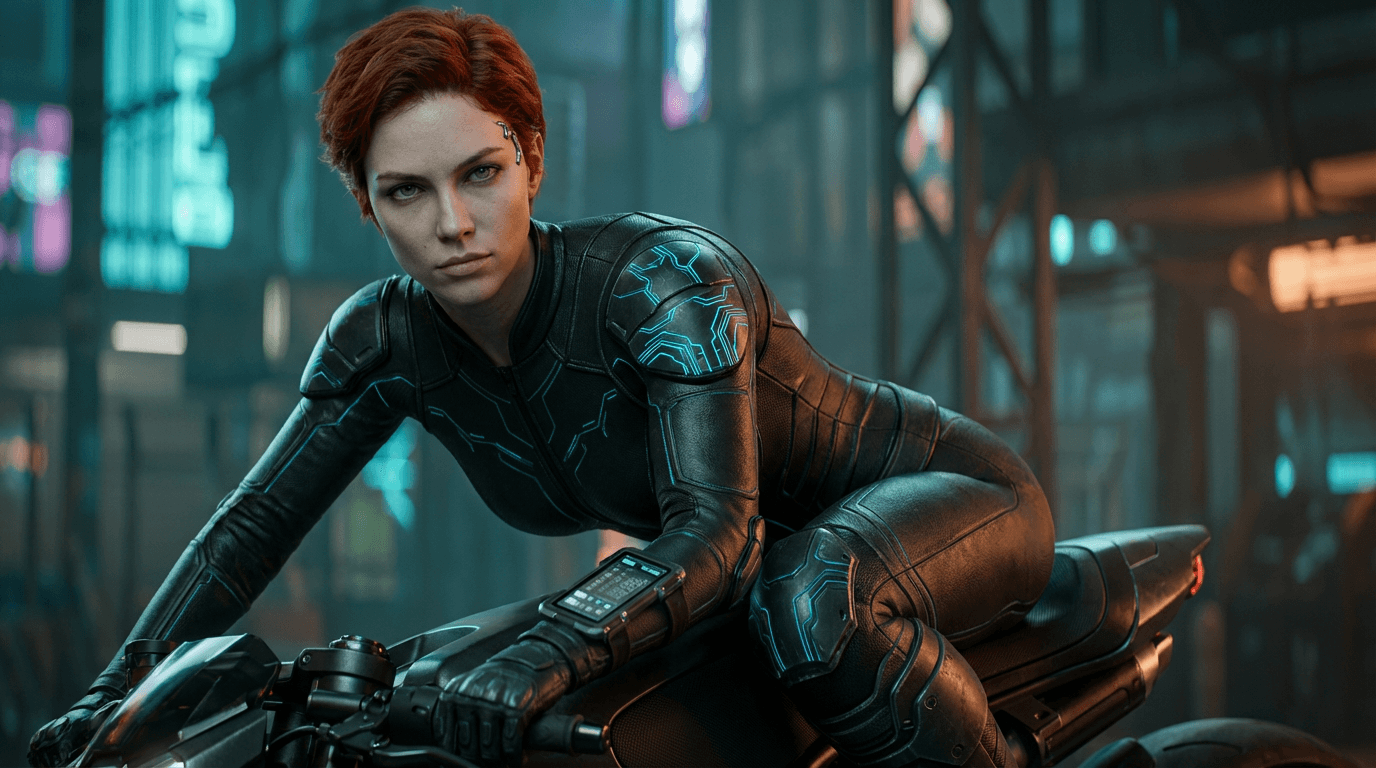

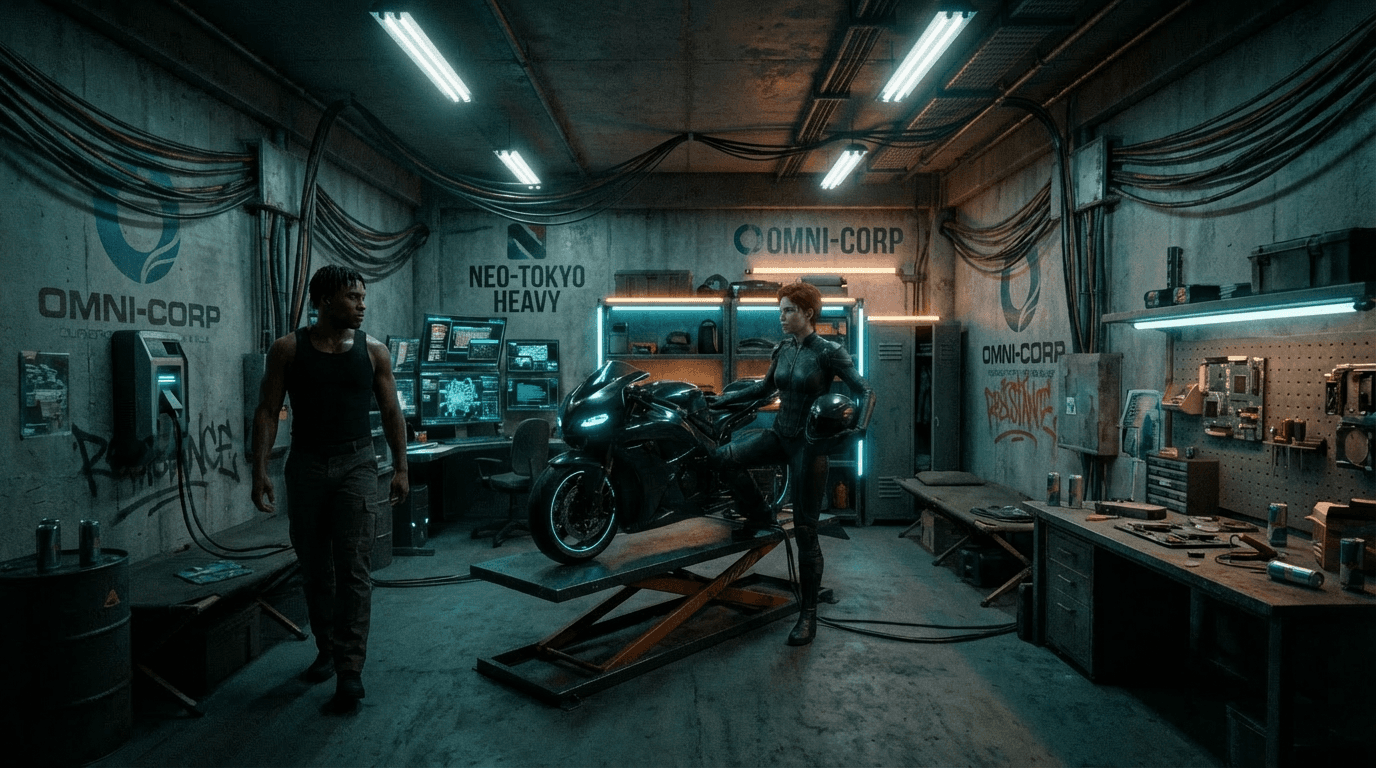
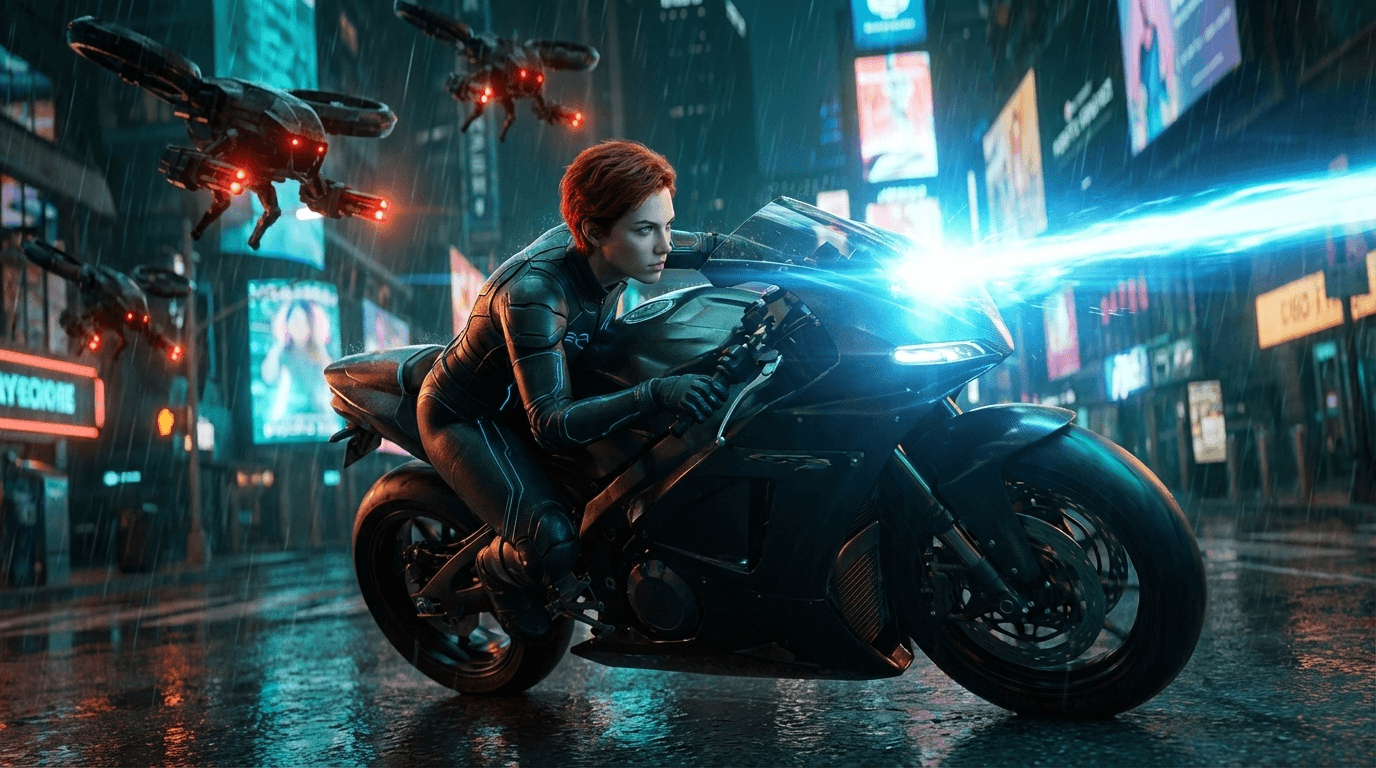
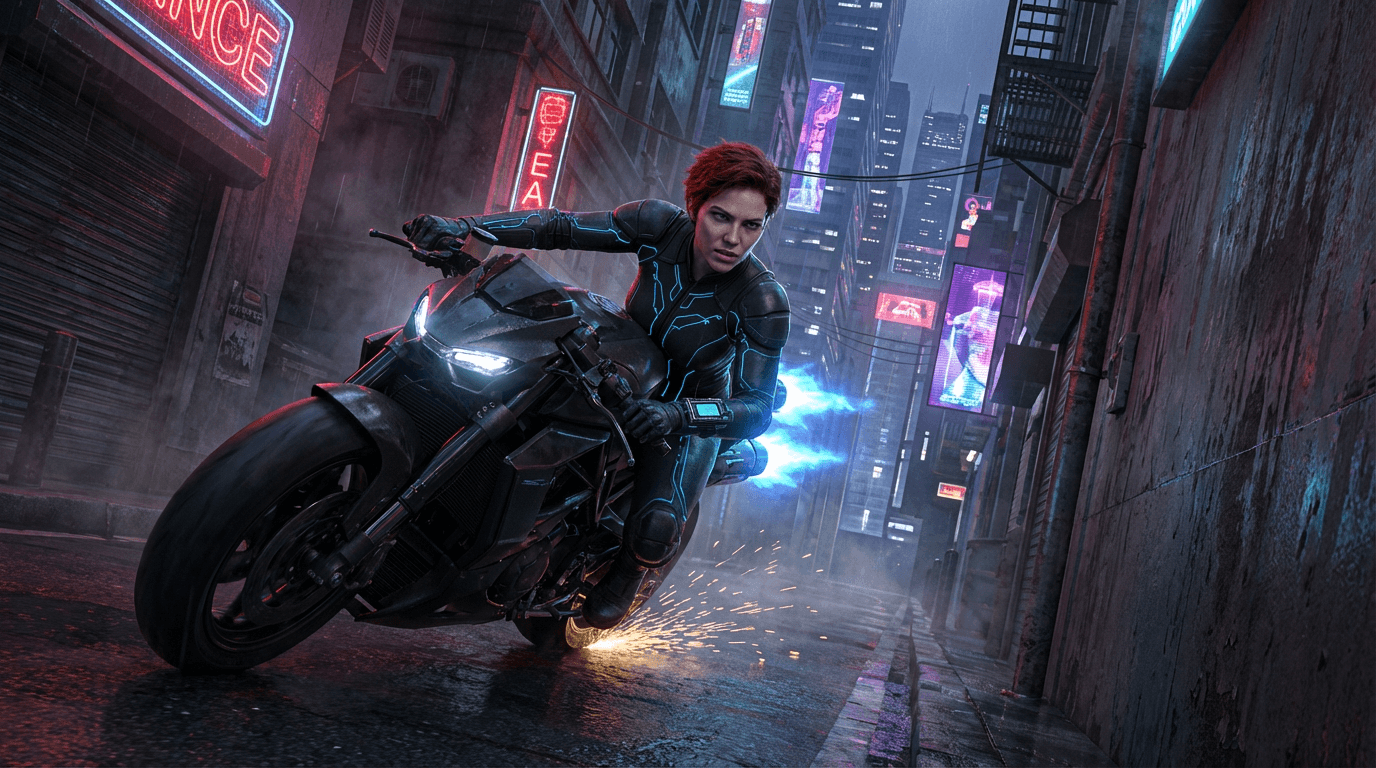

The Problem with AI Drama Production
Every AI creator hits the same walls. Cutflow breaks through all of them.
Characters keep changing
Same character, different face every cut. Series production? Impossible.
Asset chaos
Hundreds of files with no idea which scene they belong to.
Wasted credits
Endless regeneration. Costs spiral out of control.
Fragmented tools
Storyboard → Image gen → Video edit. Three apps, zero integration.
@ID locks your characters
Upload once, type @Emma in any cut. Same face, every time.
Auto-organized by cut
Every image and video linked to its scene. No folders needed.
Preview before you spend
Lock keyframes first, then generate video. No more guessing.
One studio, start to finish
Script → Image → Video → Export. All in one workspace.
Meet Your AI Actors
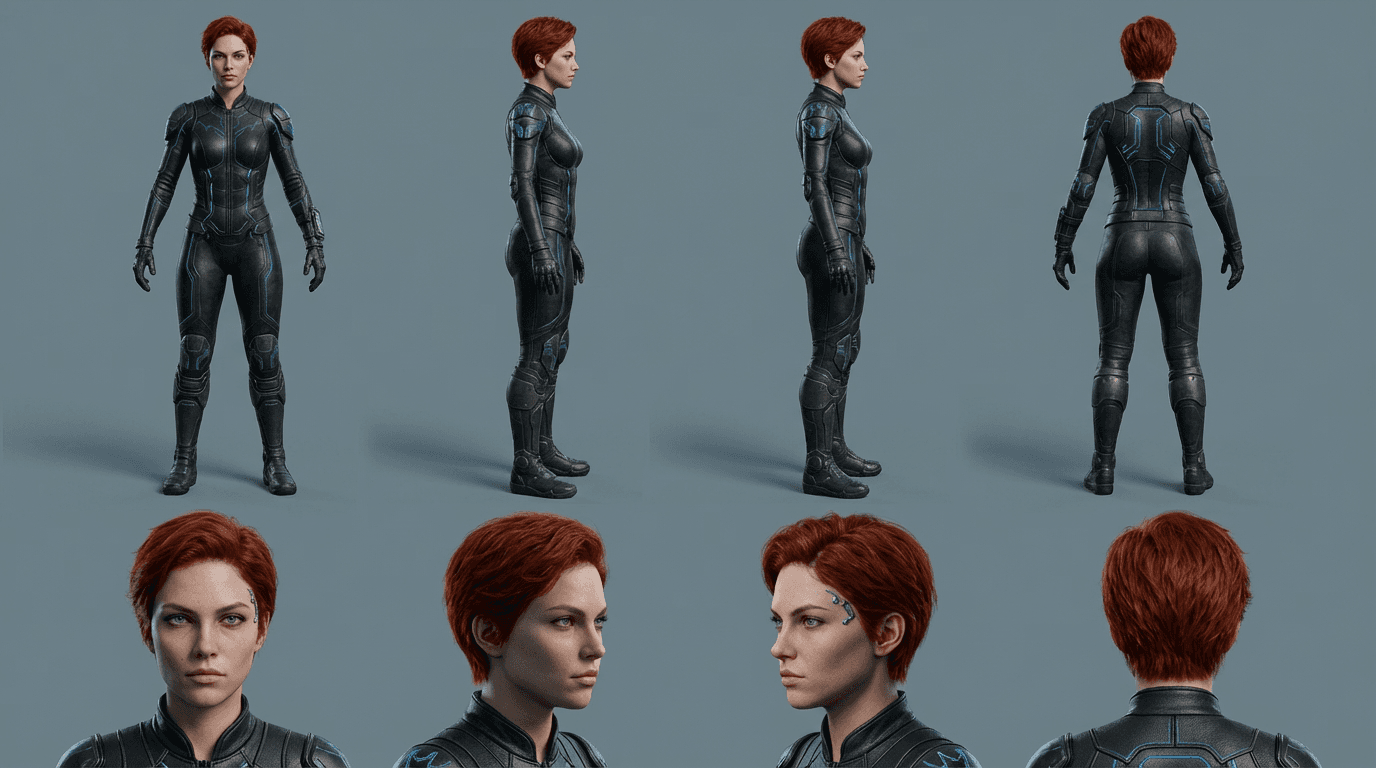
Upload a reference photo. Get a permanent @ID. Type @Emma in any prompt — same face, every scene.
One Upload, Permanent Identity
Register a character once. Their @ID works across every cut in every project.
Natural Mention System
Type @Emma or @Jake directly in your script. The character is applied automatically.
Multiple Outfits & Sheets
Save different looks per character. Switch outfits without losing identity.
Same @Emma, 6 different scenes
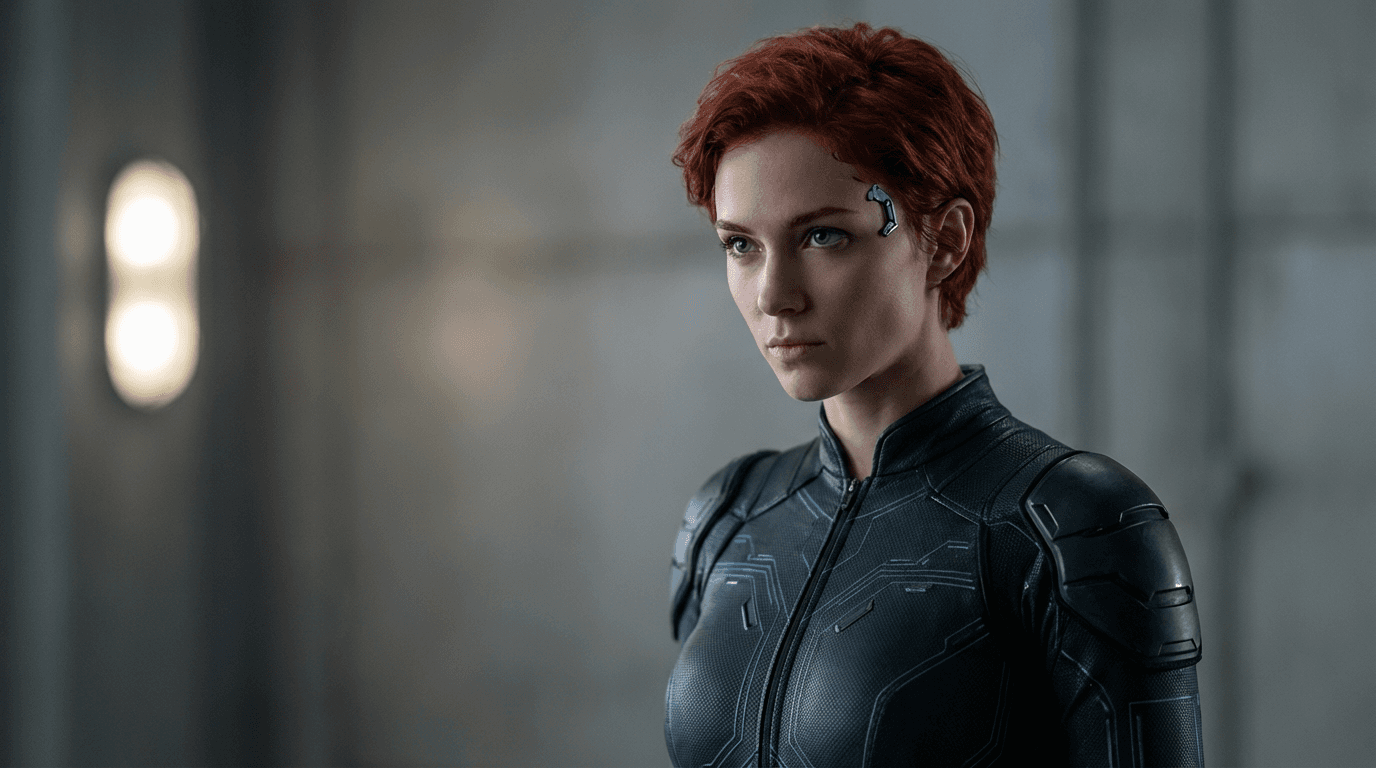
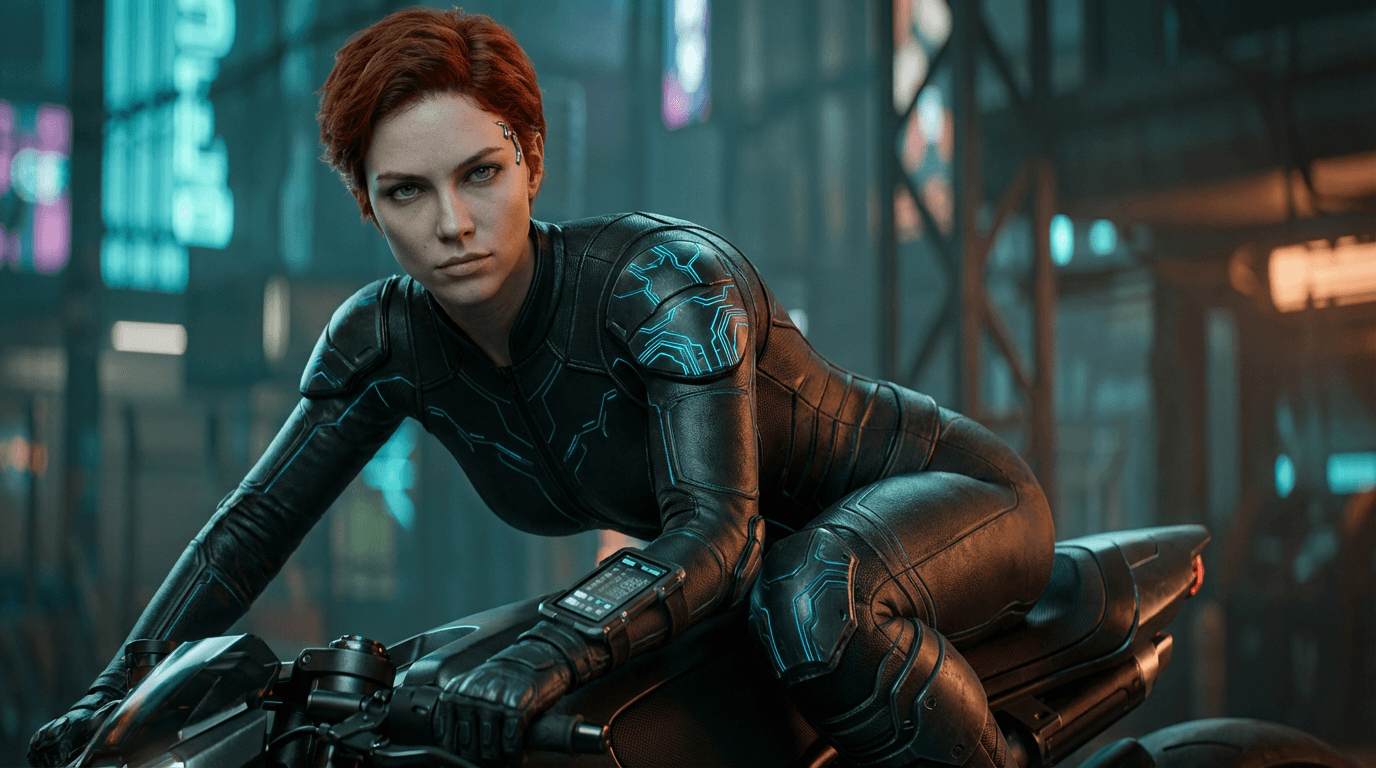
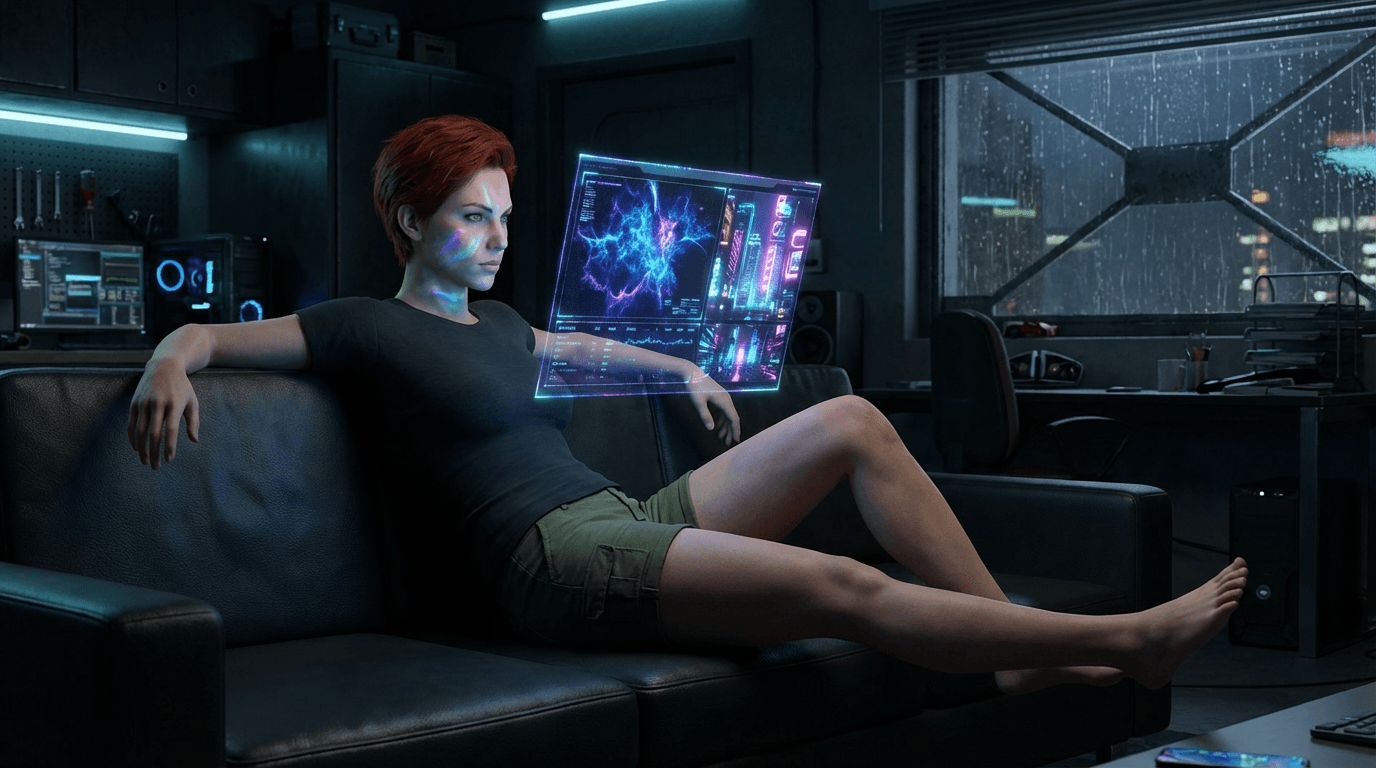
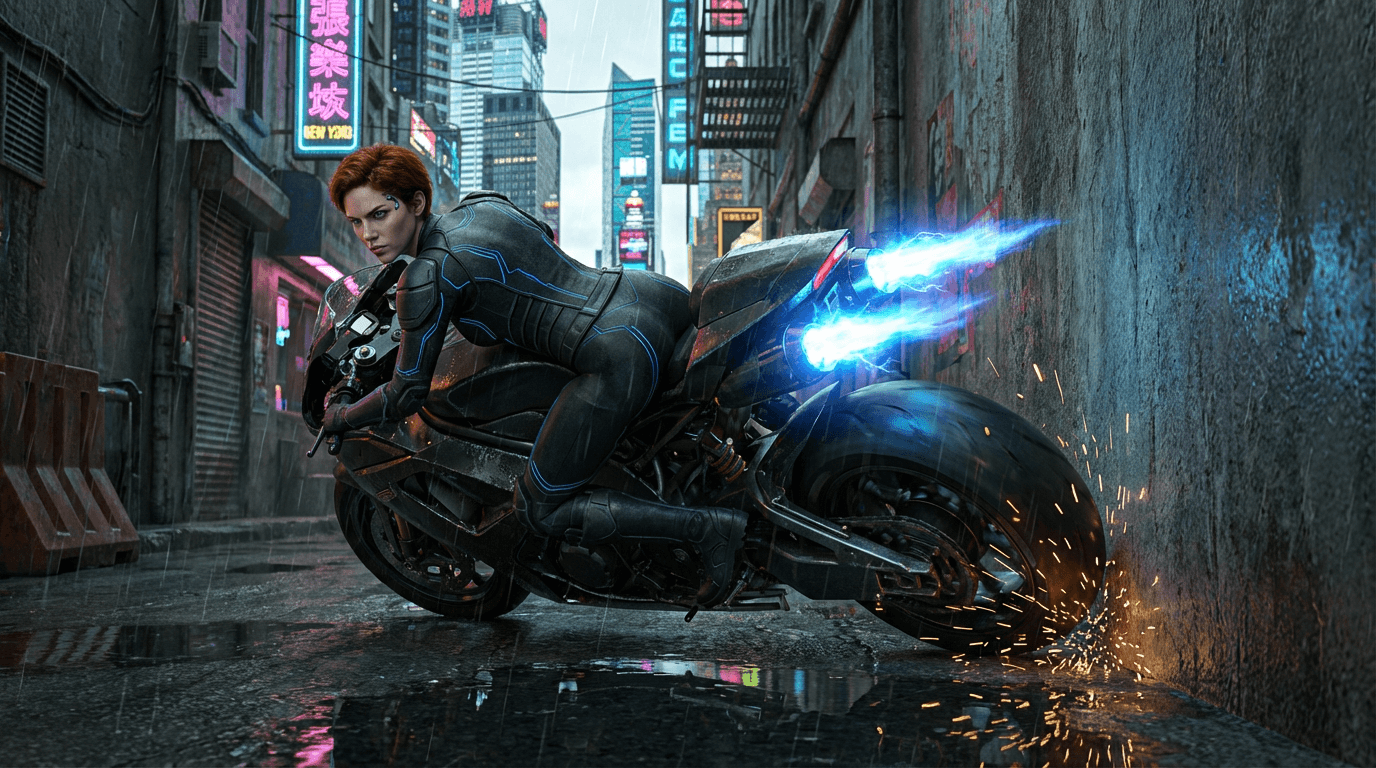
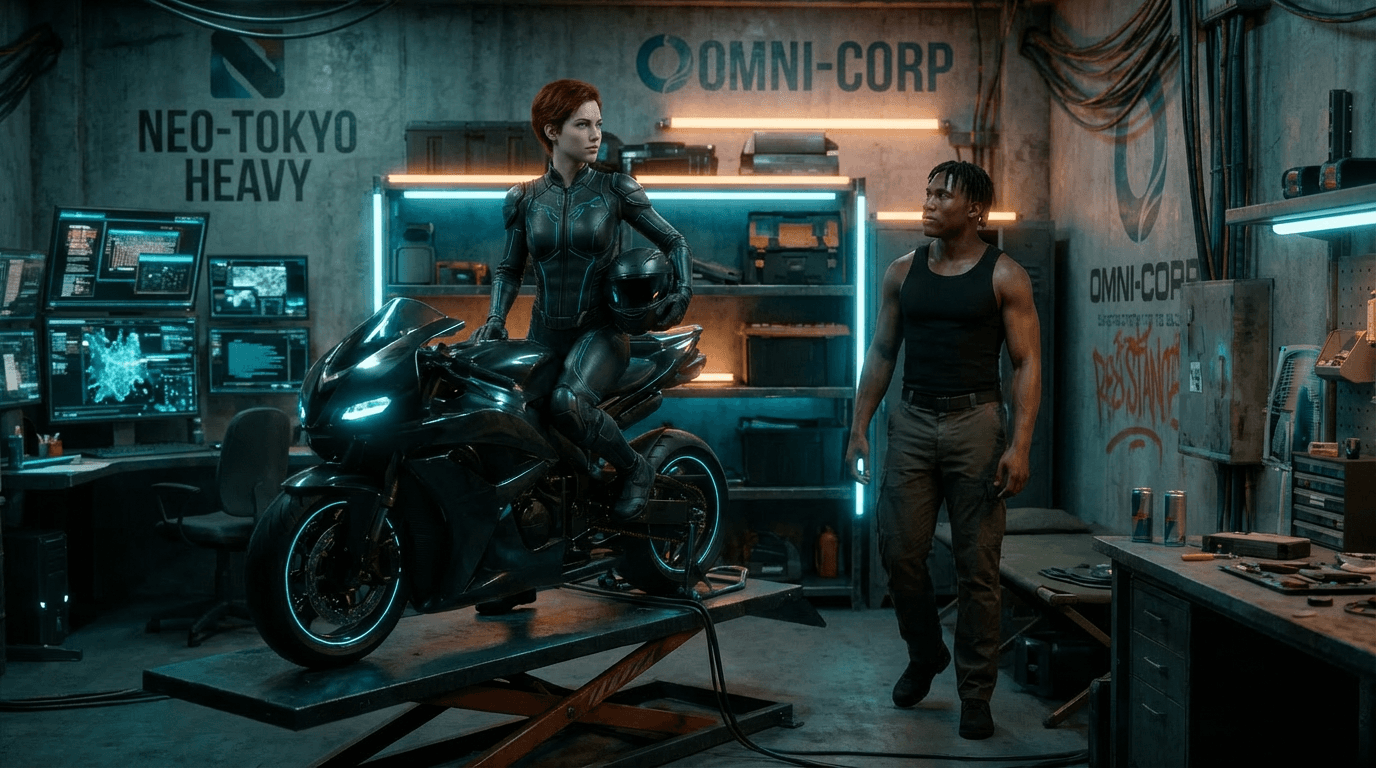

Character consistency maintained across different compositions, lighting, and emotions.
One Studio. Every Step.
From script to final export — no more app-hopping.
Assign Character
Call your AI actors with @ID. Same character, every cut.
Generate Keyframe
Create candidate images with the right composition and expression.
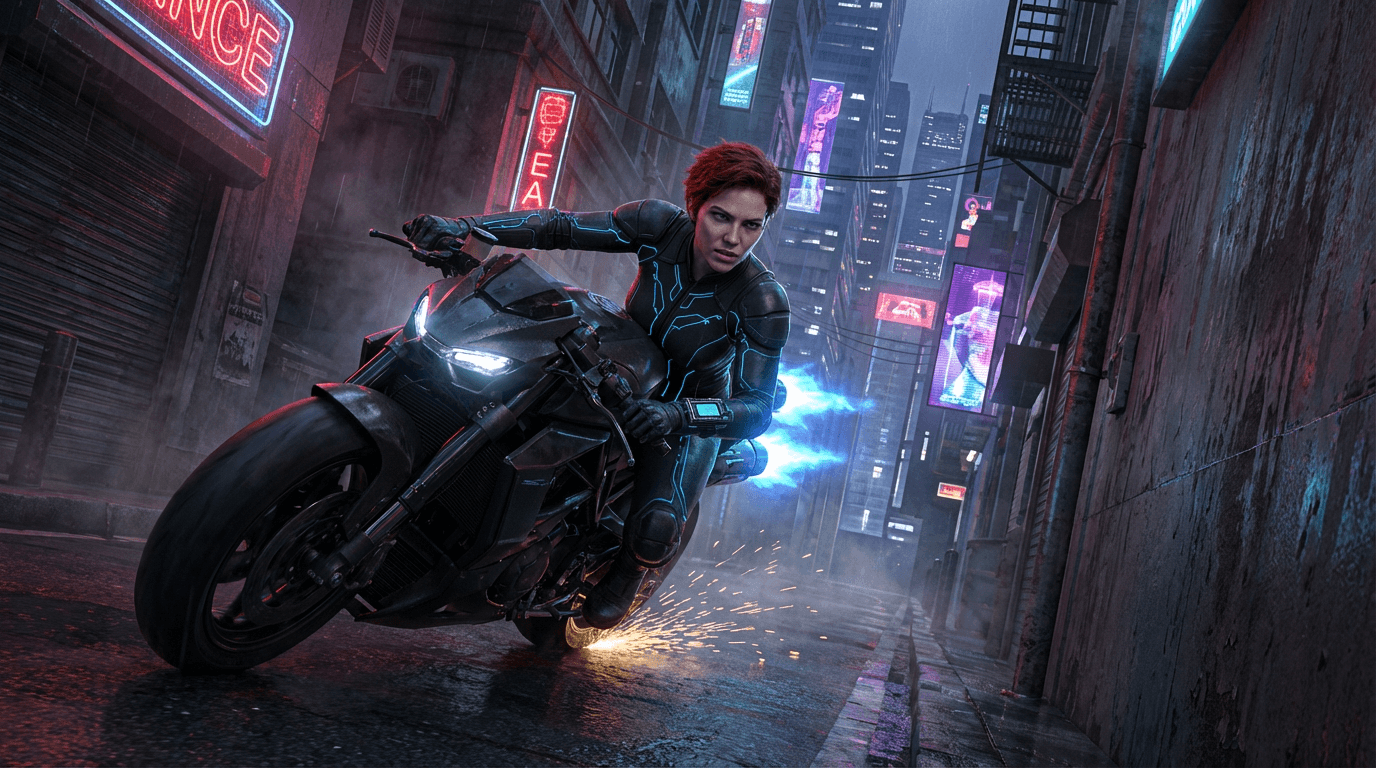
Keyframe to Video
Lock the best keyframe, then generate video from it.
Cut-based Asset Management
Every image and video auto-linked to its storyboard cut. Compare versions side-by-side. No folder chaos.
AI Creative Assistant
Script writing, image prompts, motion prompts, cut splitting — all through conversation. Free, no credits.
Smart Model Selection
Access Veo, Kling, Grok, Seedance & more. AI recommends the best model for each shot type.
One-Click Export
Combine all cuts into a finished short-form drama. Download and share instantly.
How It Works
From casting to export in 6 simple steps.
Cast Your Actors
Upload character images and create @IDs.
Build Your Storyboard
Add cuts and write scripts with the AI assistant.
Lock Your Keyframes
Generate @character keyframes, then pick the best.
Generate Video
Create video from locked keyframes with AI motion prompts.
Choose Your Take
Compare versions, select the most natural one.
Export
Combine all cuts and download your short-form drama.
From Script to Prompt, AI Helps You
Create through conversation with the AI assistant. Free, no credit cost.
Split the first meeting scene into 2 cuts. @Emma accidentally meets @Jake at a cafe.
Great! I've structured the first meeting into two cuts: Cut 1: Emma sitting by the cafe window, sipping coffee and gazing outside Cut 2: Jake walks through the door and their eyes meet
Script Writing
Describe your story idea and AI completes the script.
Image Prompt Generation
Creates visual prompts with @character references from your script.
Motion Prompt Generation
Writes camera movements and action directions optimized for video.
Automatic Cut Splitting
Splits long scripts into individual cuts for your storyboard.
Start Free. Scale When Ready.
Join the Open Beta with 150 free credits. No credit card required.